
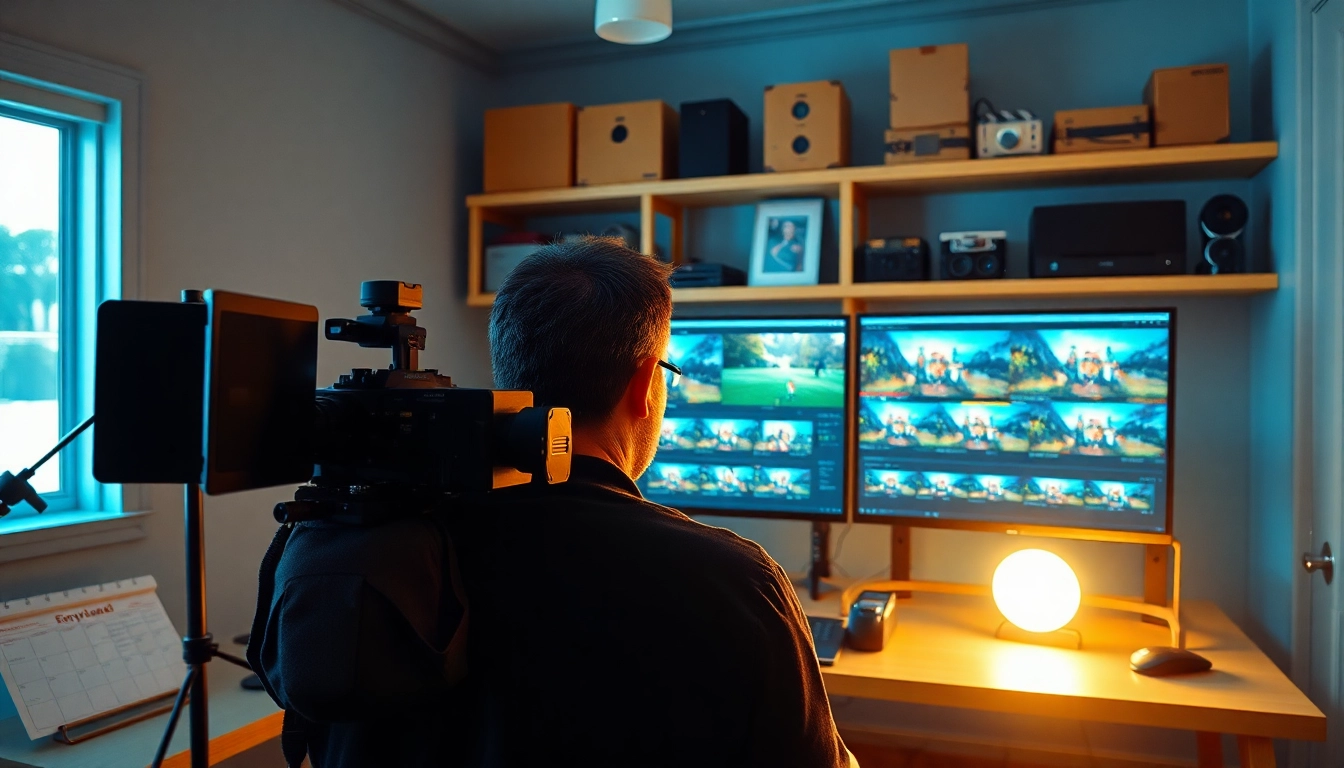
Understanding Post-Production & Editing Basics
In the world of videography, post-production & editing represent the bridge between raw footage and a polished final product. This crucial phase transforms unrefined video material into a coherent, engaging story that resonates with viewers. Whether you are creating a short film, a commercial, or a documentary, grasping the intricacies of post-production & editing can significantly enhance your work. In this guide, we will delve into the essentials of post-production & editing, exploring its significance, stages, crucial tools, and much more.
The Importance of Post-Production & Editing
Post-production & editing serve as the backbone of video production. This phase allows creators to shape their narrative, refine audio quality, and ensure their visuals align with the intended message. The editing process not only helps in eliminating unnecessary footage but also enhances the overall quality of a project. Here are a few reasons why post-production & editing are essential:
- Storytelling Enhancement: Through editing, storytellers can craft compelling narratives by selecting the best takes, pacing sequences effectively, and emphasizing key moments.
- Visual and Audio Polish: Post-production involves color correction, sound balancing, and other enhancements that elevate the production quality, making it more appealing.
- Audience Engagement: Effective editing keeps the audience engaged, guiding them through the video smoothly and ensuring they remain captivated by the content.
- Brand Reputation: High-quality post-production reflects a professional approach, enhancing the credibility of your brand and increasing viewer trust.
Key Stages in Post-Production & Editing
The post-production & editing process can be broken down into several key stages:
- Importing Footage: The first step involves importing all raw footage into the chosen editing software, organizing files for easy access.
- Rough Cut: This is where editors begin cutting the footage together to form a basic shape of the final product, selecting the best takes and establishing the flow.
- Fine Cut: In this stage, editors refine the rough cut further, making precise edits and adding transitions, ensuring a smooth narrative.
- Audio Editing: This involves synchronizing audio tracks, adjusting levels, and adding sound effects or music to enhance the overall feel.
- Color Grading: Editors apply color correction to ensure the video has a cohesive visual tone and mood, making adjustments to brightness, contrast, and saturation.
- Final Cut: The last stage consolidates all changes and adds finishing touches before exporting the video for viewing or distribution.
Essential Tools for Post-Production & Editing
To navigate the post-production & editing process efficiently, professionals utilize various tools and software:
- Video Editing Software: Programs like Adobe Premiere Pro, Final Cut Pro, and DaVinci Resolve are some of the most widely used platforms, offering comprehensive features for varying editing needs.
- Audio Editing Tools: Software such as Audacity and Adobe Audition allow users to manipulate soundtracks, improve audio quality, and synchronize sound with visuals.
- Color Grading Software: Tools like DaVinci Resolve specialize in color correction and grading, allowing for a professional finish to the visuals.
- Computer Hardware: A powerful computer with adequate RAM, storage, and graphics capabilities is crucial for smooth editing and rendering.
Beginner Techniques in Post-Production & Editing
Venturing into post-production & editing can be daunting for beginners. However, mastering some essential techniques can pave the way for more advanced skills later on.
Getting Started with Editing Software
To begin, familiarize yourself with your chosen editing software. Most platforms offer tutorials and user guides to help you navigate their interfaces. Here are key steps to get started:
- Download and Install: Ensure you have a compatible system for the software and follow installation instructions carefully.
- Create a New Project: Open the software and create a new project, naming and setting it according to your preferences.
- Import Media Files: Import your footage, audio, and any graphic elements you plan to use in your project.
- Familiarize with the Layout: Take time to explore different panels (timeline, media library, preview window) and understand their functions.
Basic Cuts and Transitions
Understanding how to perform cuts and transitions is foundational in editing. Here are some techniques to master:
- Cutting: The cut is the most fundamental transition. Learn to use the razor tool or shortcut keys to split clips efficiently.
- Crossfades: Creating smooth transitions between clips can retain audience engagement. Simple crossfades are effective for most genres.
- J Cuts and L Cuts: These advanced techniques involve overlapping audio and video, allowing the audio to lead into the next scene or linger after the video cut.
Audio Synchronization Fundamentals
The auditory aspect is as crucial as the visual one. Proper synchronization enhances viewer experience. Here’s how to get it right:
- Using Waveforms: Most editing software displays audio waveforms that can guide you in matching audio to video.
- Aligning Clips: Ensure dialogue and sounds align with the corresponding visual actions for coherent storytelling.
- Adding Background Music: Use background scores thoughtfully to enhance the emotional tone without overpowering dialogue.
Advanced Strategies in Post-Production & Editing
Once you are comfortable with the basics, exploring advanced techniques can significantly enhance your video’s quality.
Color Grading and Correction Techniques
Color grading is pivotal for achieving a cinematic look. Correcting color discrepancies enhances visual appeal. Here’s how to implement these techniques:
- Setting a Color Palette: Establish a palette that aligns with the mood of your video. Warm tones work well for romance, while cool tones can evoke sadness or tension.
- Using LUTs: Lookup Tables (LUTs) allow for quick adjustments and can act as a base for custom grading.
- Masking and Keying: Employ masks and keying techniques to isolate areas in your footage for detailed grading.
Creating Motion Graphics for Enhancements
Motion graphics can elevate a video’s professionalism. Here’s how to create effective graphics:
- Understanding Keyframes: Keyframes allow you to animate properties over time. Familiarize yourself with setting and modifying keyframes to create smooth motions.
- Using Templates: Many software provide templates for lower thirds, transitions, and titles, enabling quick implementation without sacrificing quality.
- Custom Animations: Take the time to learn basic animation principles, such as easing, to make your graphics feel more natural.
Implementing Visual Effects Effectively
Visual effects can add depth and intrigue to your videos. Use them judiciously to enhance storytelling:
- Researching Effects: Familiarize yourself with common effects and their applications, ensuring they enhance rather than distract from the narrative.
- Layering Techniques: Many effects can be layered. Experiment with blending modes to achieve unique looks.
- Sandboxing Effects: Always test effects on a separate layer or project to avoid detracting from the main video.
Best Practices for Efficient Post-Production & Editing
Streamlining your post-production & editing workflow can save time and enhance productivity. Here are best practices to consider:
Organizing Your Footage
A well-organized media library is crucial for efficient editing. Implement a structured system:
- Folder Structure: Create designated folders for various assets, e.g., raw footage, audio, graphics, and exports.
- Naming Conventions: Use clear and consistent naming conventions for all files to avoid confusion during editing.
- Tagging and Metadata: Utilize tagging and metadata features in your editing software to make searching for files easier.
Backing Up Your Projects
Data loss can be catastrophic. Make data protection a priority:
- Multiple Copies: Maintain multiple copies of your media files and project files on different drives.
- Cloud Storage: Utilize cloud storage options for an additional layer of security.
- Routine Checks: Regularly check backups to ensure they are functional and properly storing the correct versions.
Cascade Workflow for Team Collaboration
In collaborative environments, adopting a workflow model can enhance team productivity:
- Project Management Software: Utilize tools like Trello or Asana to assign tasks and track project progress.
- Version Control: Use version control practices to manage changes among team members effectively.
- Regular Check-ins: Schedule consistent team meetings to discuss progress, challenges, and updates in the editing process.
Evaluating and Optimizing Post-Production & Editing Performance
Post-production & editing are iterative processes that can be improved over time. Evaluating performance is crucial for ongoing development.
Key Metrics for Success in Editing
Measuring the success of your editing efforts can involve various metrics:
- Turnaround Time: Assess how quickly you can produce a final version from the start of editing to delivery, aiming for efficiency.
- Audience Engagement: Monitor viewer retention rates and engagement levels on platforms where your videos are published.
- Feedback Quality: Gather qualitative feedback from peers and viewers on the narrative flow and production quality.
Feedback Loops for Continuous Improvement
Incorporate regular feedback loops in your workflow:
- Peer Reviews: Encourage your team to review and critique work before finalization, fostering collective improvement.
- Client Feedback: After delivering projects, seek feedback from clients to understand their perceptions and areas for enhancement.
- Self-Assessment: Review your own work critically and compare it against industry standards or peers.
Staying Updated with Industry Trends
The video editing landscape is constantly evolving. Staying informed is key:
- Join Professional Communities: Engage with editing and videography communities, both online and offline, to exchange ideas and learn new techniques.
- Follow Industry News: Regularly read industry publications or blogs to stay ahead of trends and emerging technologies.
- Experimentation: Allocate time for experimentation with new techniques or technologies to enhance your skill set continually.